


Control canvas layout
I disabled Auto Layout on the component set to position variants precisely. I stored settings and labels on the set while keeping the content of each variant intact.
Organize component sets by their properties.
Open on Figma Community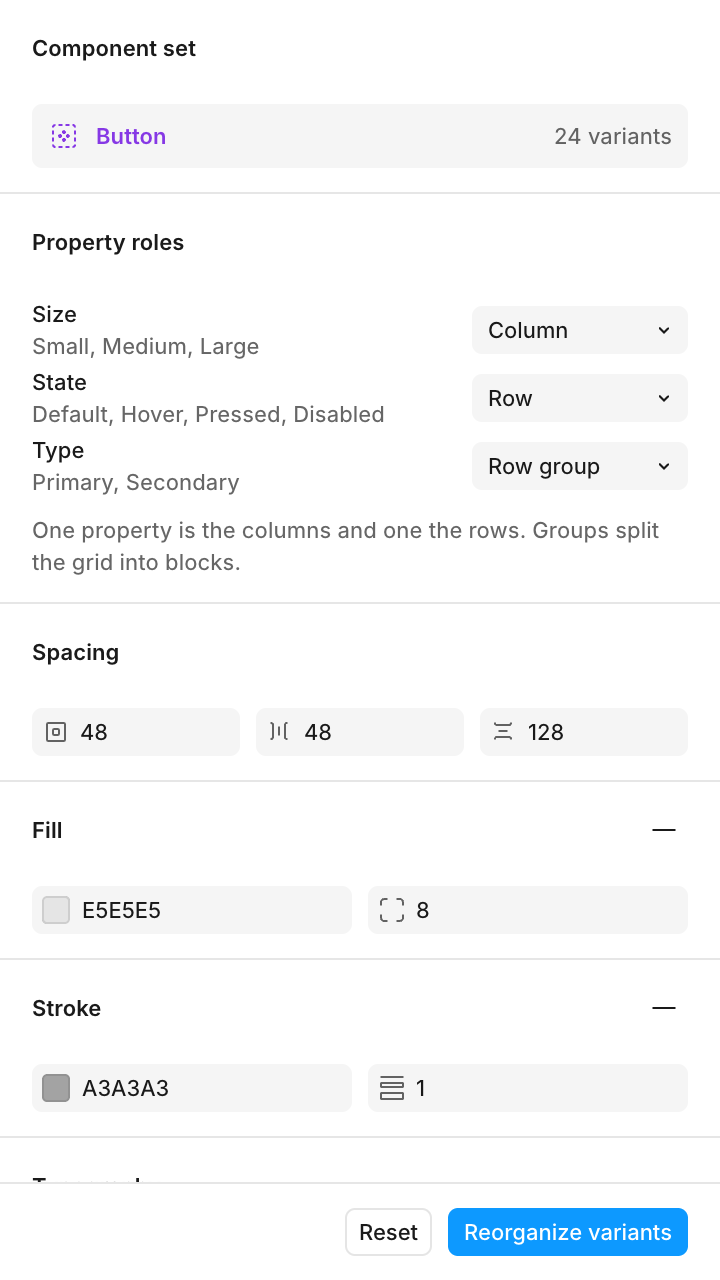
Teams maintaining component libraries
Plugin · Component Sets · Visual organization
Component Sets / Variants / Canvas organization
The idea
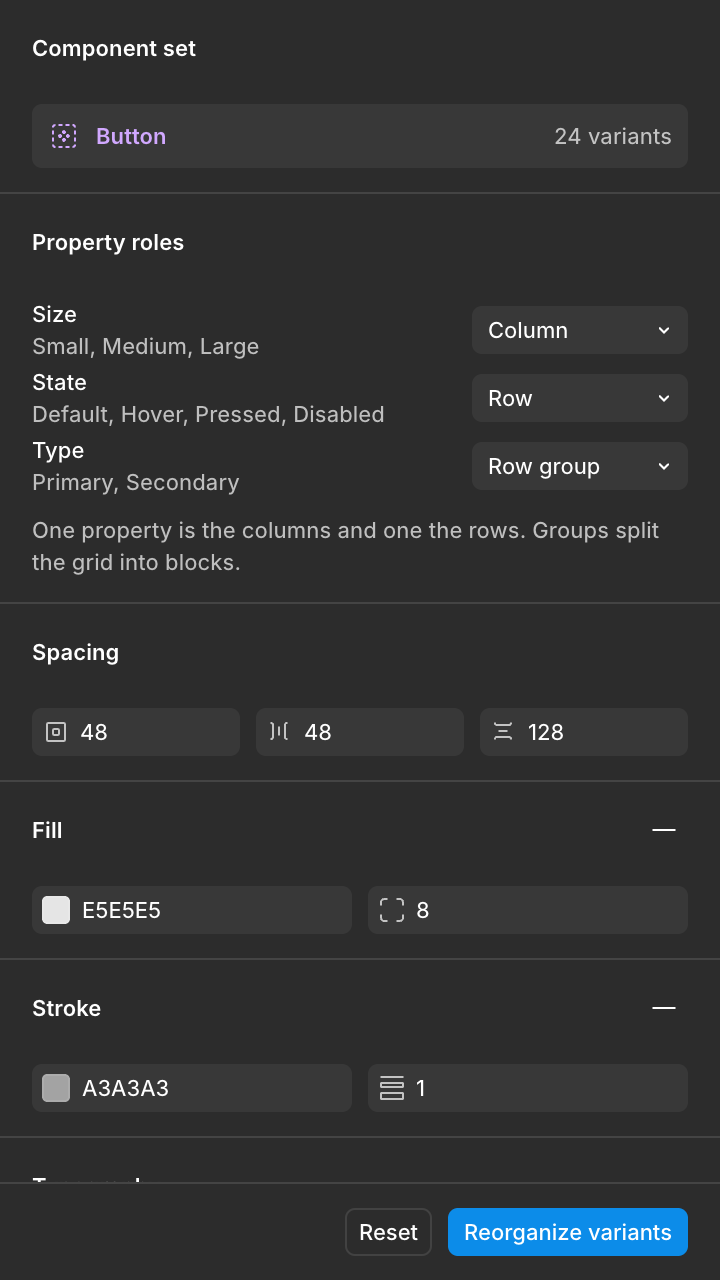
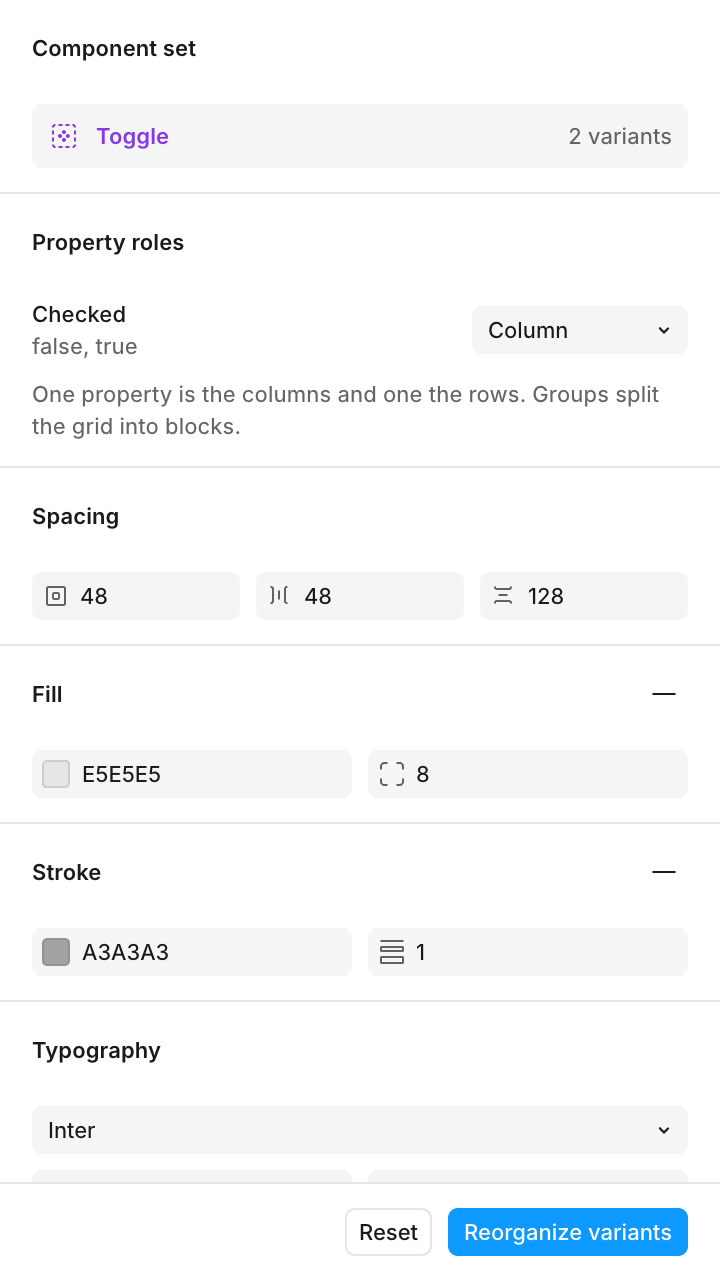
A library can have well-defined variants and still be hard to navigate on the canvas. I built Sort your variants to assign properties to rows, columns, or groups, adjust labels, and save the configuration with each component set.
Before and after
I built a labeled grid layout that makes component properties readable and variants easy to compare.
Panel
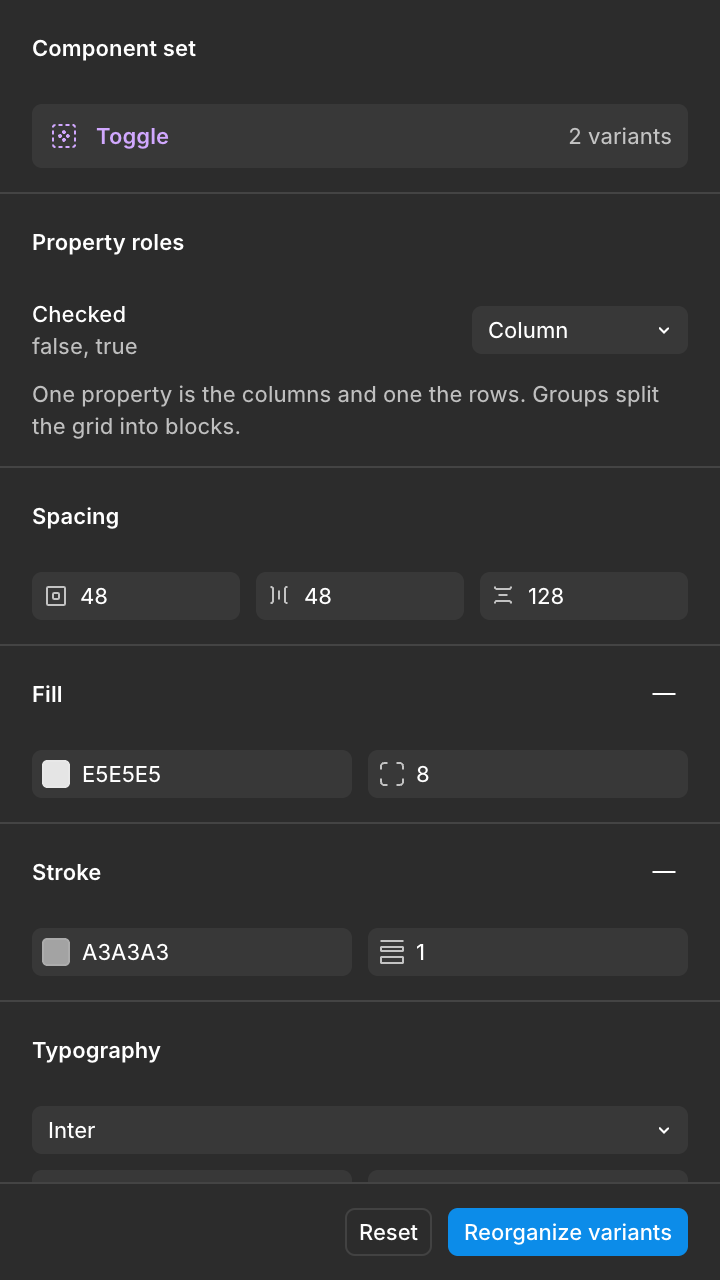
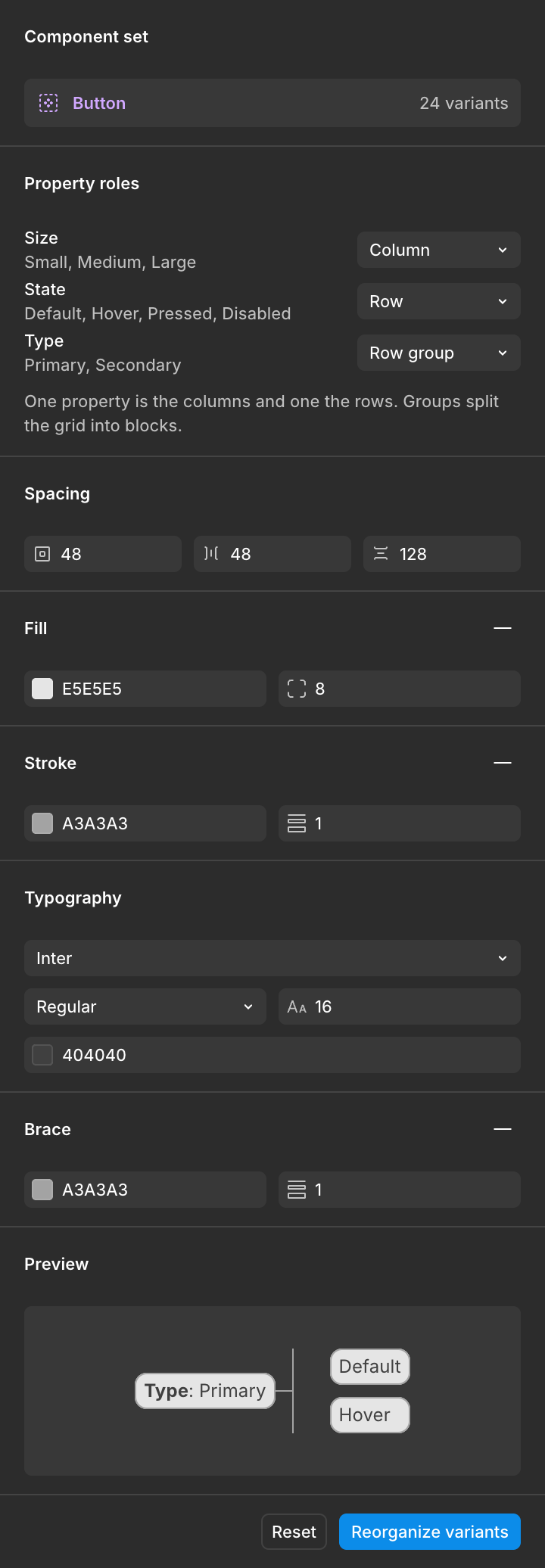
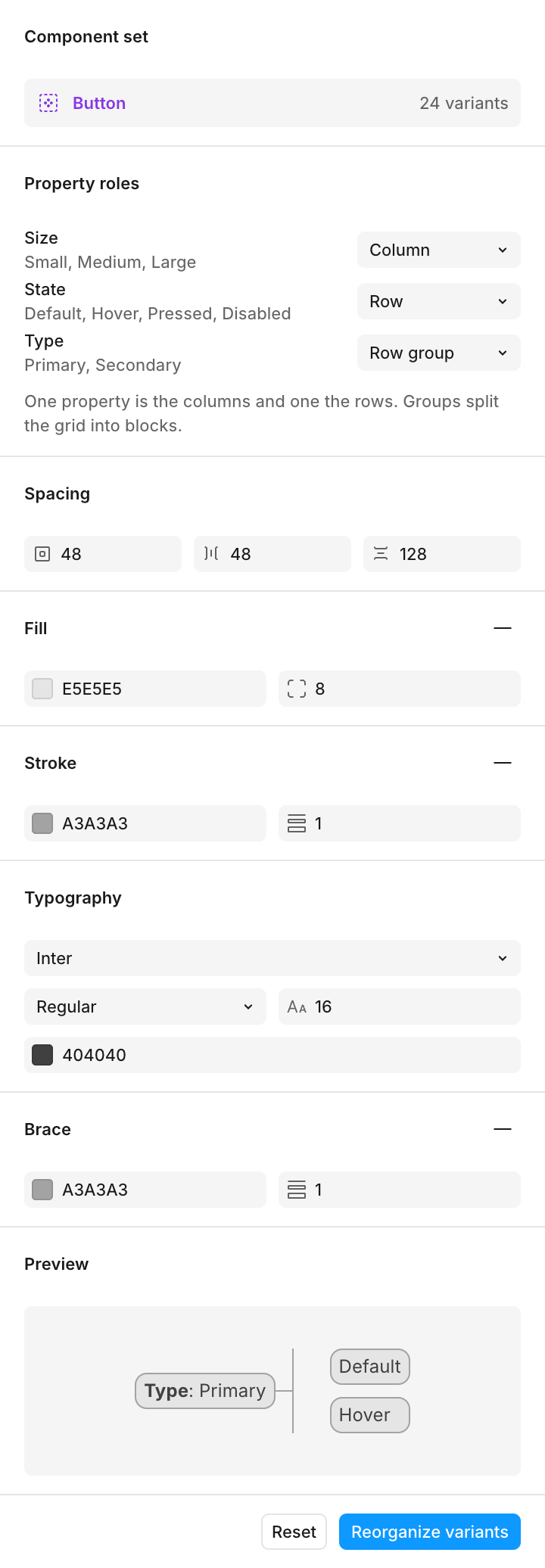
I brought properties, spacing, and labels together in the panel. Settings are stored on each component set for later reuse.
Labels
I added control over padding, borders, radius, font, size, and color. Column labels rotate when they need more space.
Groups
I added row and column groupings by property, with a heading for each group.
Implementation
I disabled Auto Layout on the component set to position variants precisely. I stored settings and labels on the set while keeping the content of each variant intact.
Component sets organized by their properties.
The plugin changes the component set's layout and disables its Auto Layout. Review the configuration before applying it to your library.